

Pre-requisite: complete the Set up an integration section of the Auth guide.
Connection tags
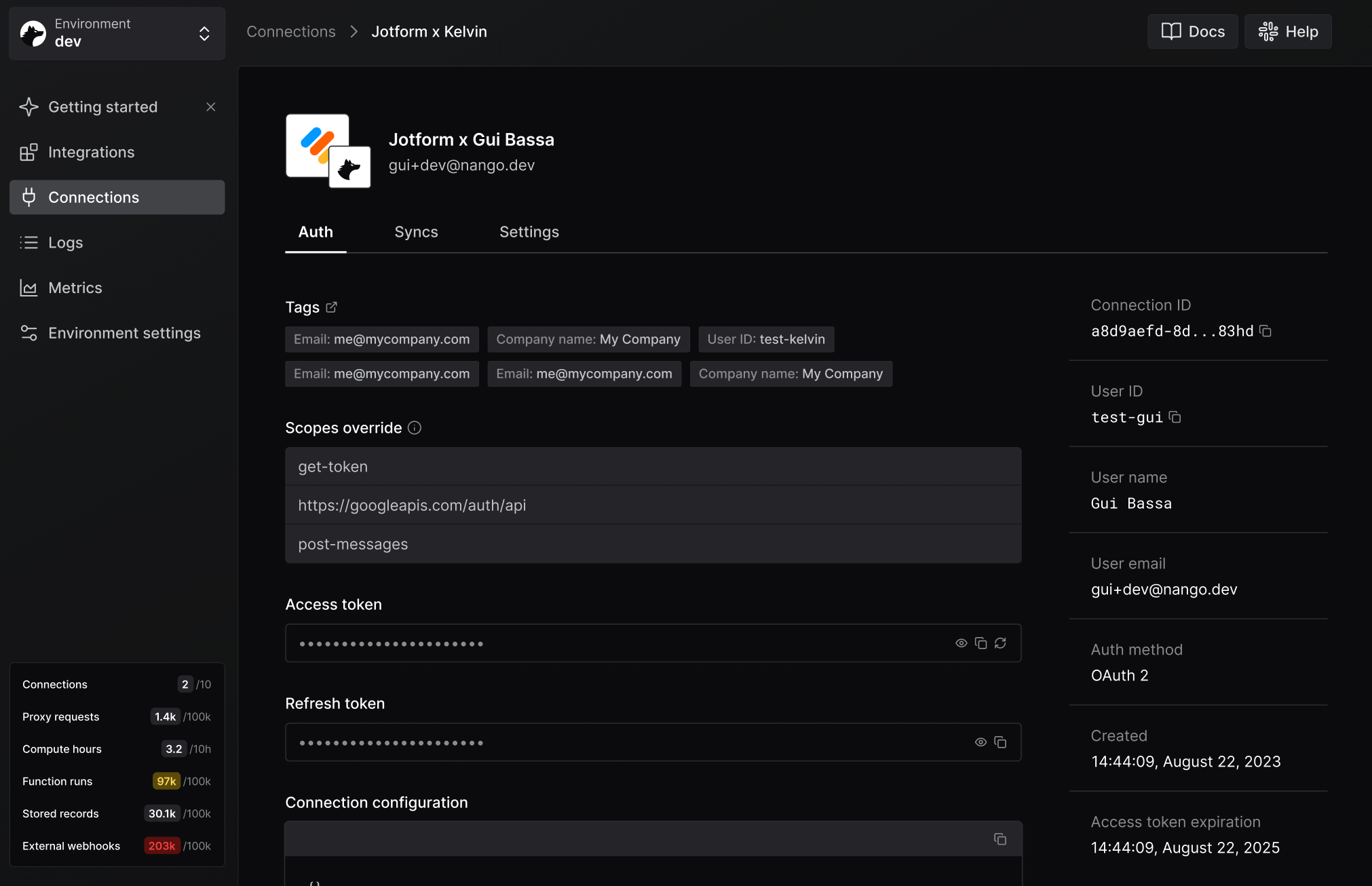
Tags are small key/value strings you attach to a Connect session. Nango copies them to the resulting connection and includes them in auth webhooks. Their primary purpose is attribution. Nango uses random UUIDs as connection IDs, so tags are the bridge between a Nango connection and the user, organization, workspace, or other entity in your system. Most apps start with these tags:end_user_idend_user_emailorganization_id
workspace_id, project_id, or plan.
Tags are designed for identifiers and routing metadata. Avoid putting secrets or large/free-form payloads in tags.
Add tags when creating a Connect session
When requesting a new Connect session token from Nango, pass atags object:
- Node
- cURL
Read tags from the auth webhook
These tags appear in successful auth webhooks sent by Nango:connectionId with the user, organization, or workspace that initiated the flow in your application.
Read and filter connections by tags
Nango stores tags on the connection itself.- Read with Node
- Filter with Node
- Filter with cURL
Update tags on an existing connection
If you need to update tags after a connection is created, patch the connection:- Node
- cURL
Updating tags replaces the whole tag object. If you want to add or remove a single tag, fetch the current connection first, merge locally, then patch.
Reserved UI tag keys
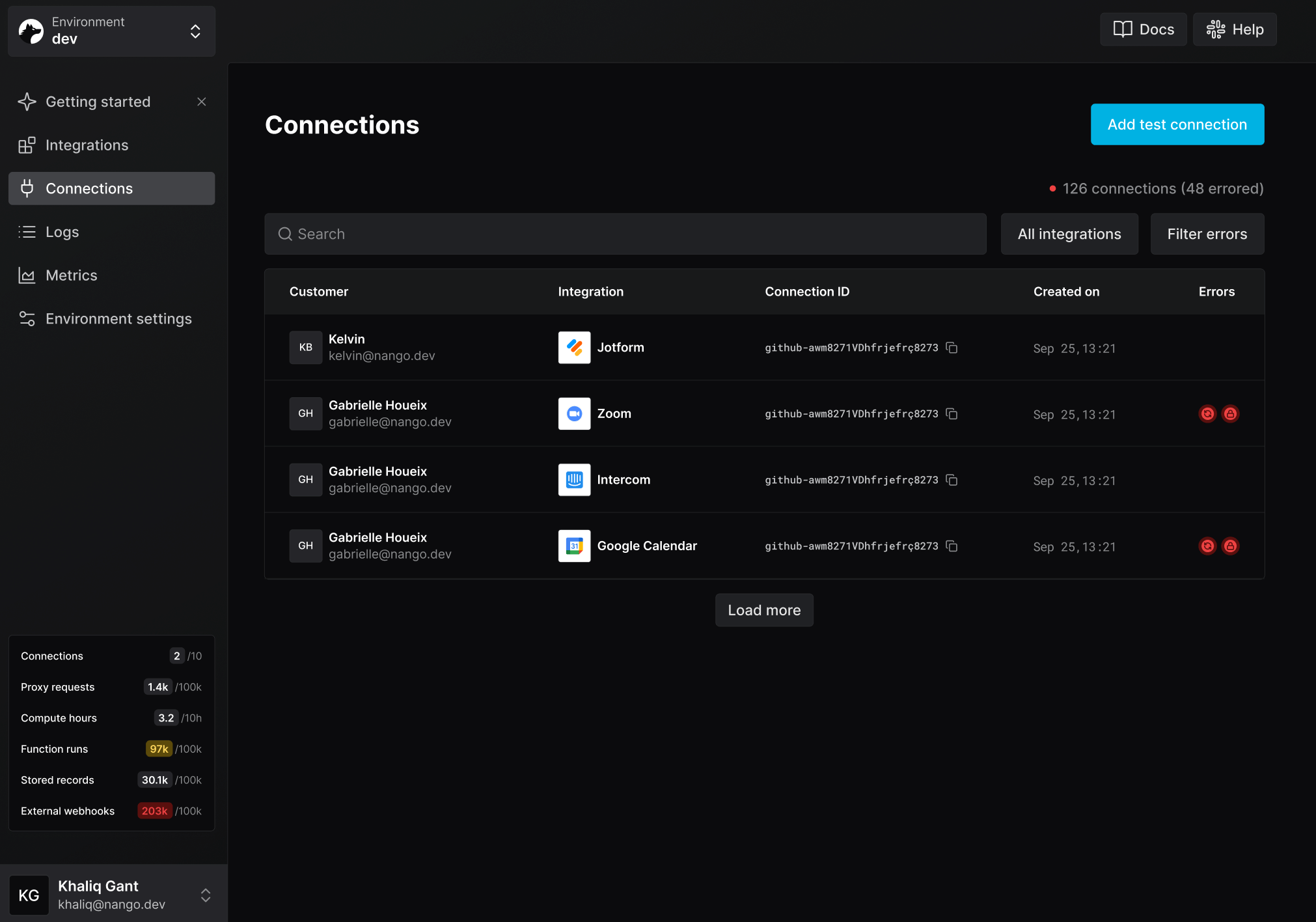
Two tag keys are reserved for improving the Nango dashboard UI:end_user_display_name- shown instead of the connection ID in the connections list, making it easier to identify who a connection belongs to.end_user_email- shown alongsideend_user_display_namein the connections list. The domain from the email address is also used to display the end user’s company logo on the connection detail page.
Tag rules
end_user_emailmust be a valid email address, for exampleuser@example.com.- Tag keys are lowercased, so
End_User_Emailandend_user_emailare treated as the same key. - Keys are case-insensitive, and duplicate keys after normalization are rejected.
- Keys must start with a letter and contain only alphanumerics, underscores, hyphens, periods, or slashes.
- Keys can be up to 64 characters long.
- A connection can have up to 10 tag keys.
- Values must be non-empty strings up to 255 characters long.
Connection configuration
Connection configuration is provider-specific information stored on a connection because the connection needs it to work. It can be required to:- build an OAuth authorization URL, such as a Zendesk subdomain
- choose the correct API base URL, such as a region or account-specific host
- call API endpoints later, such as a tenant ID, account ID, portal ID, or workspace ID
- store values Nango discovers during authorization, such as an API instance URL or provider account ID
nango.auth():
- Node
- cURL
Connection metadata
Metadata is arbitrary JSON storage on the connection. Use it for information your app or Nango functions need, but that is not a condition for the connection itself to exist. Good metadata examples:- field mappings chosen by a customer
- folder, project, board, or object IDs selected during onboarding
- filters and feature flags used by sync functions
- tenant-specific identifiers discovered by your setup flow
- provider webhook subscription IDs used by webhook functions
- Node
- cURL
- Auth guide - create connections with Connect UI.
- Customize Connect UI - customize branding or pass connection configuration without Connect UI.
- Share a connect link - include tags in link-based flows.
- Storage - use metadata inside functions.
- List connections API - filter connections by tags.