> ## Documentation Index
> Fetch the complete documentation index at: https://nango-marcin-get-deployments-docs.mintlify.site/llms.txt
> Use this file to discover all available pages before exploring further.
# Trello - How do I link my account?
# Overview
To authenticate with Trello, you need one key pieces of information:
1. **API Key** - Your Trello API Key
This guide will walk you through finding or creating those credentials within Trello.
### Prerequisites:
* You must set up an Enterprise account with Trello.
#### Step 1: Finding Your Trello API Key
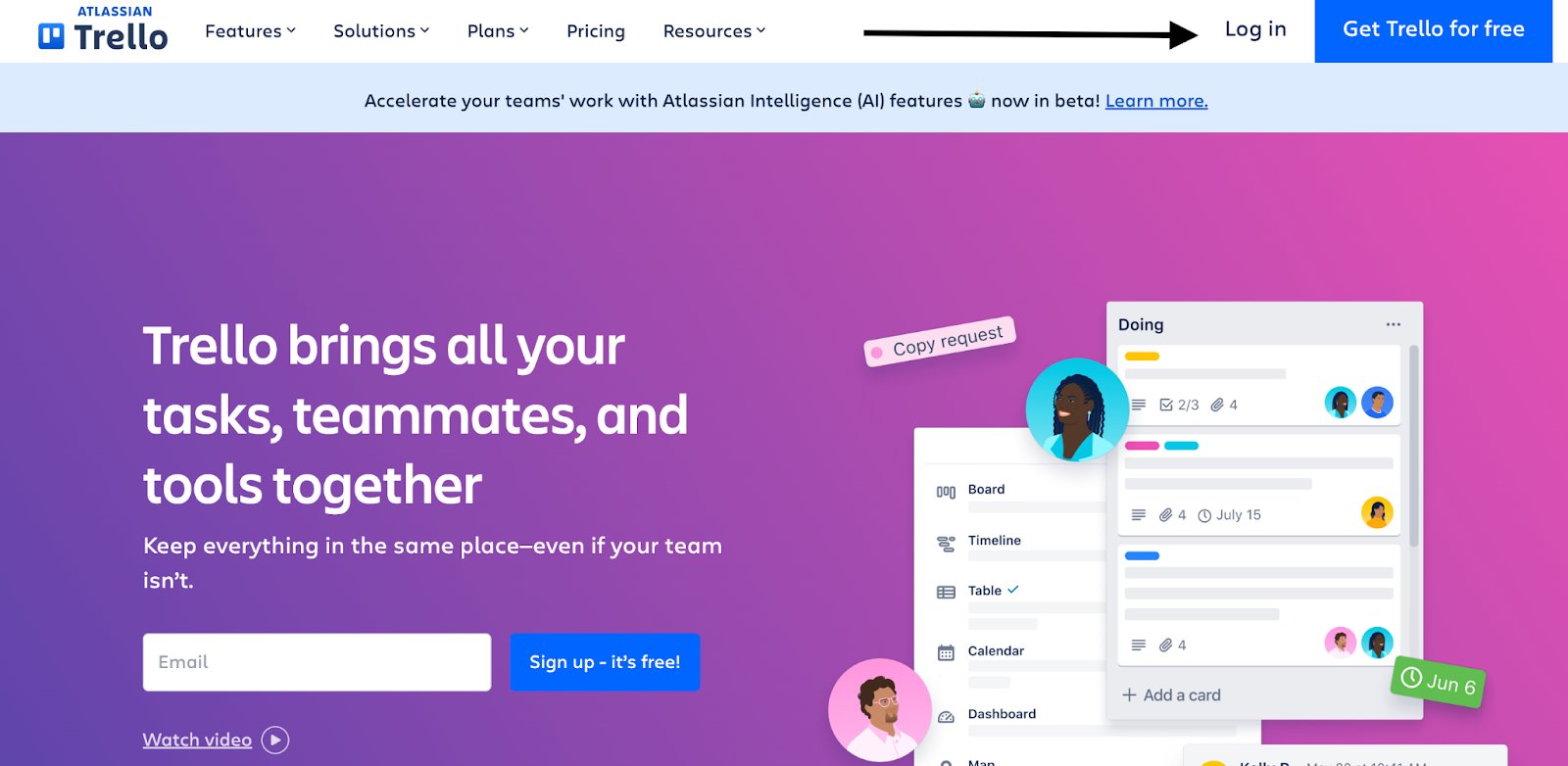
1. Log in to your Enterprise Trello account. Once logged in visit **[https://trello.com/power-ups/admin/](https://trello.com/power-ups/admin/)** and click **New**
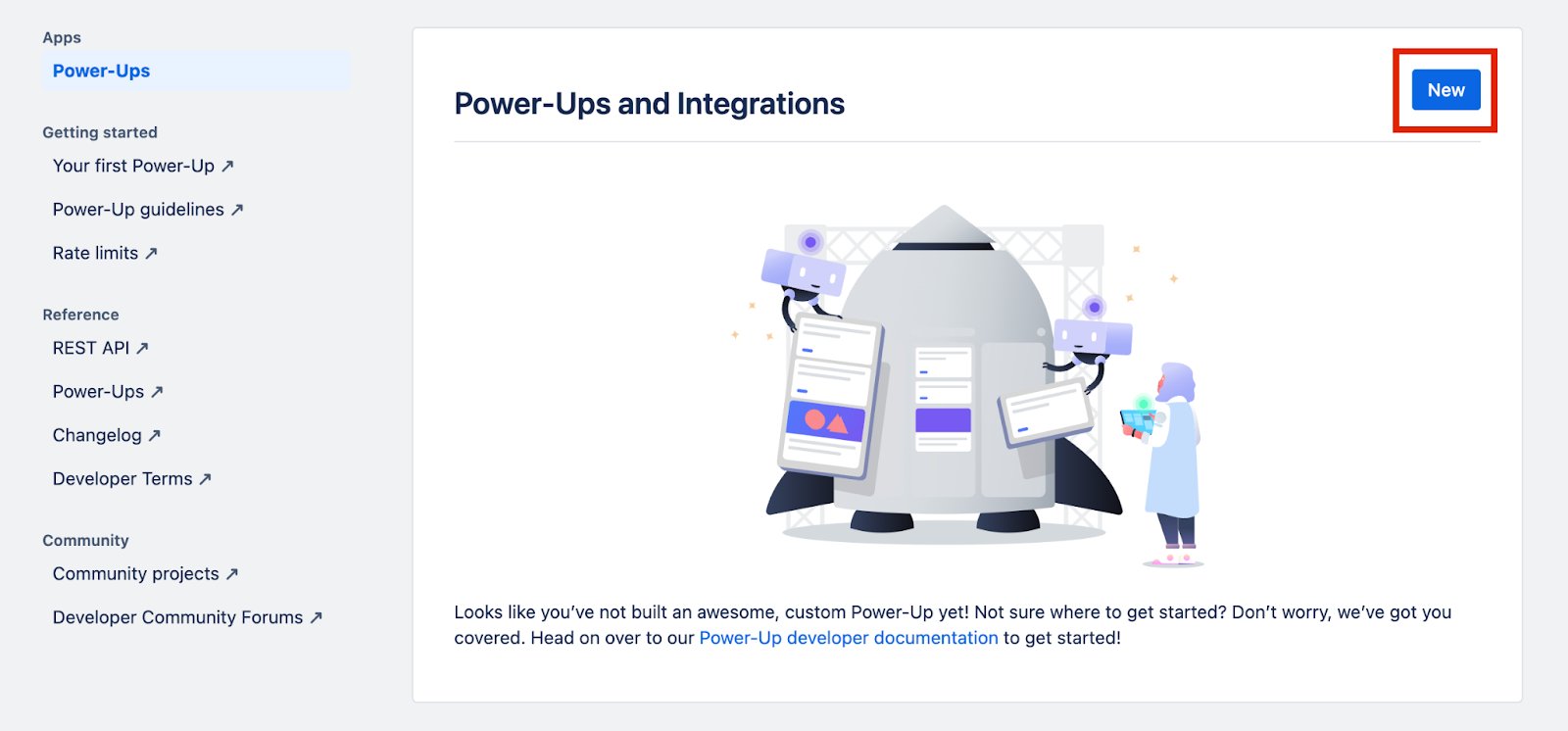 2. You should now see a pop-up that allows you to populate the appropriate fields for creating a Power-Up.
Note: If you already have a power up created and want to access its associated API key, you can skip this step.
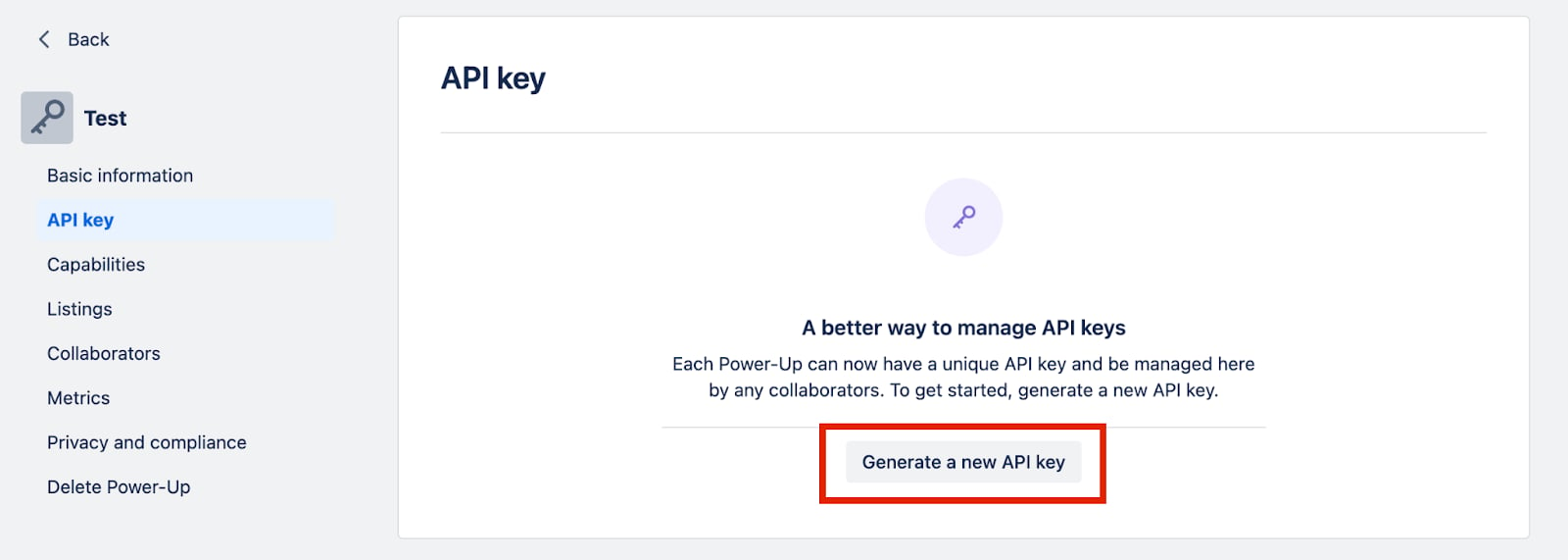
3. you can get an API key by clicking “Generate a new API key.”
2. You should now see a pop-up that allows you to populate the appropriate fields for creating a Power-Up.
Note: If you already have a power up created and want to access its associated API key, you can skip this step.
3. you can get an API key by clicking “Generate a new API key.”
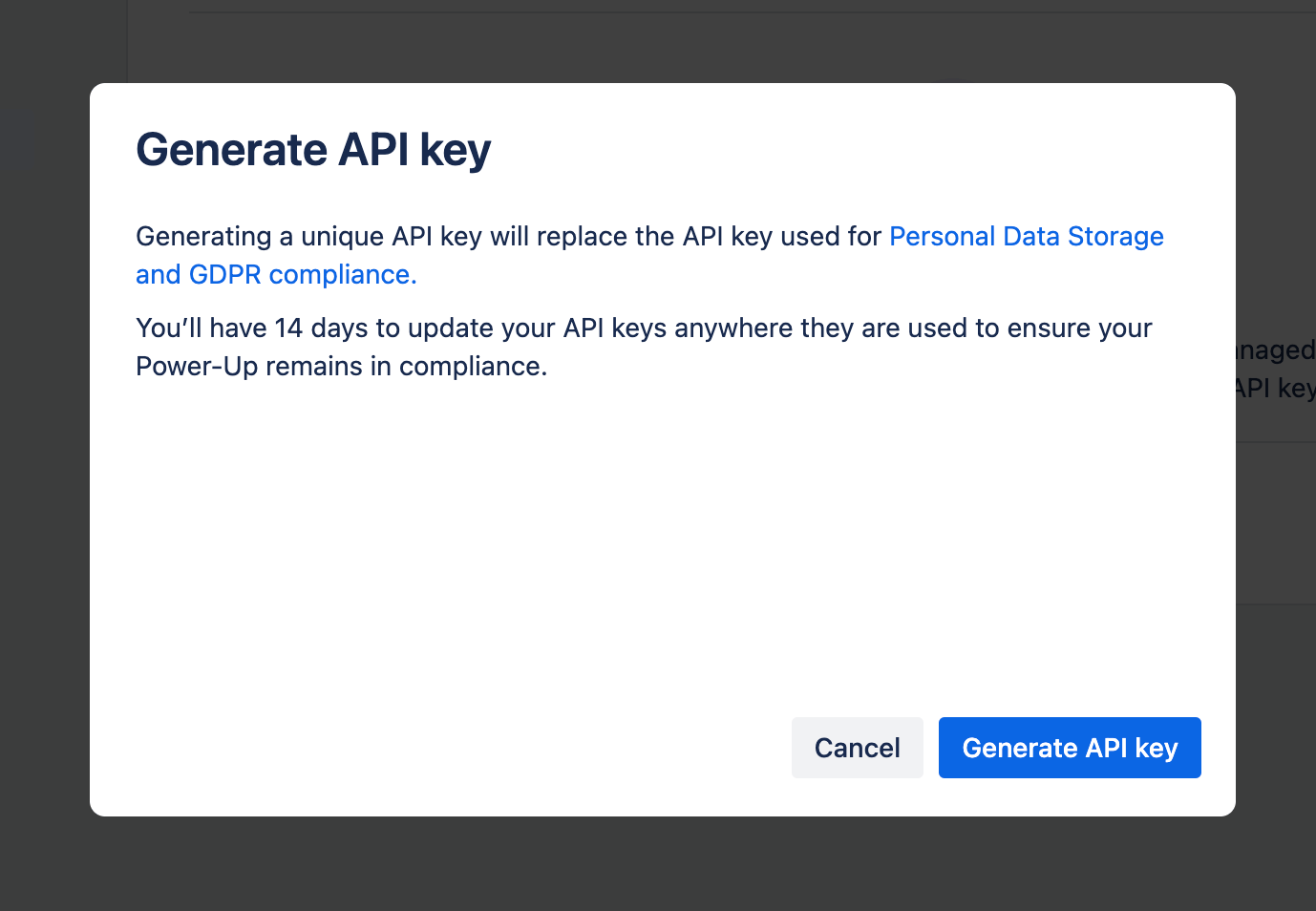
 4. Once you’ve clicked this, you’ll see a pop-up that confirms that this API key will replace the one used for GDPR compliance and personal data storage.
It also warns you that you have 14 days to update your API key to maintain compliance.
Click “Generate API key.”
4. Once you’ve clicked this, you’ll see a pop-up that confirms that this API key will replace the one used for GDPR compliance and personal data storage.
It also warns you that you have 14 days to update your API key to maintain compliance.
Click “Generate API key.”
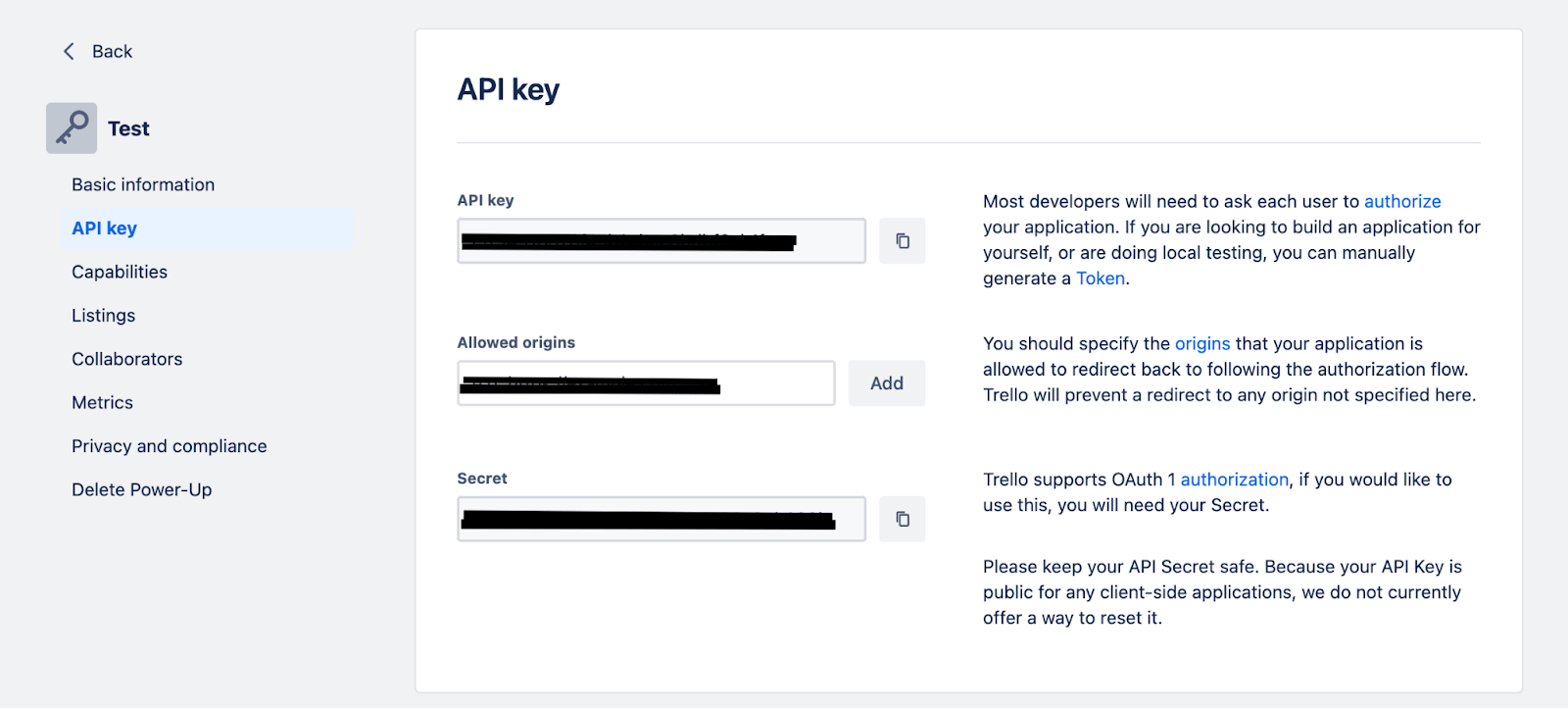 5. Copy and store your API Key securely
#### Step 2: Connect Your Trello Account
5. Copy and store your API Key securely
#### Step 2: Connect Your Trello Account
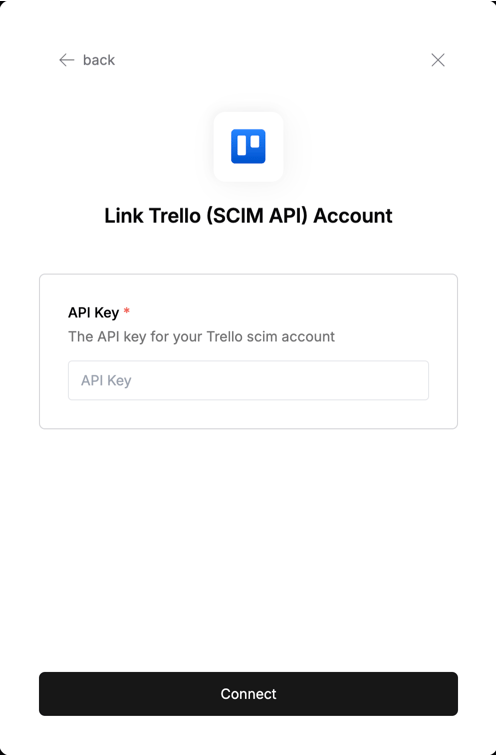 To authenticate using your API credentials, navigate to the Trello authentication form.
Enter your credentials as follows:
* API Key: Your API key
Click "Connect" to complete the authentication.
To authenticate using your API credentials, navigate to the Trello authentication form.
Enter your credentials as follows:
* API Key: Your API key
Click "Connect" to complete the authentication.